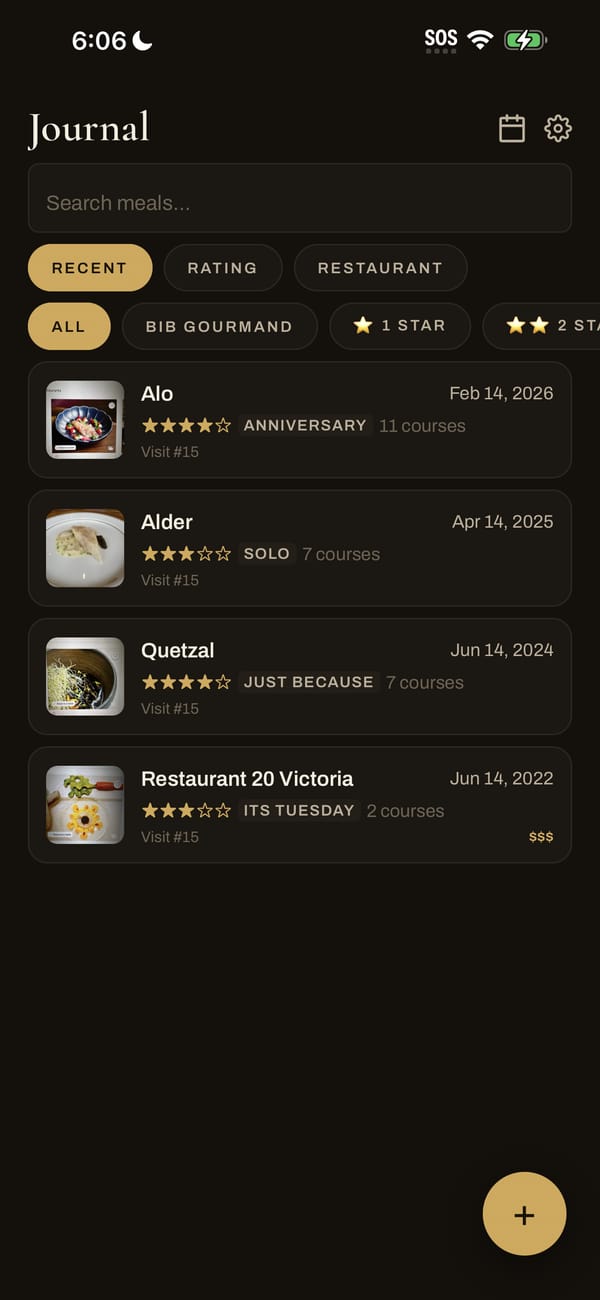
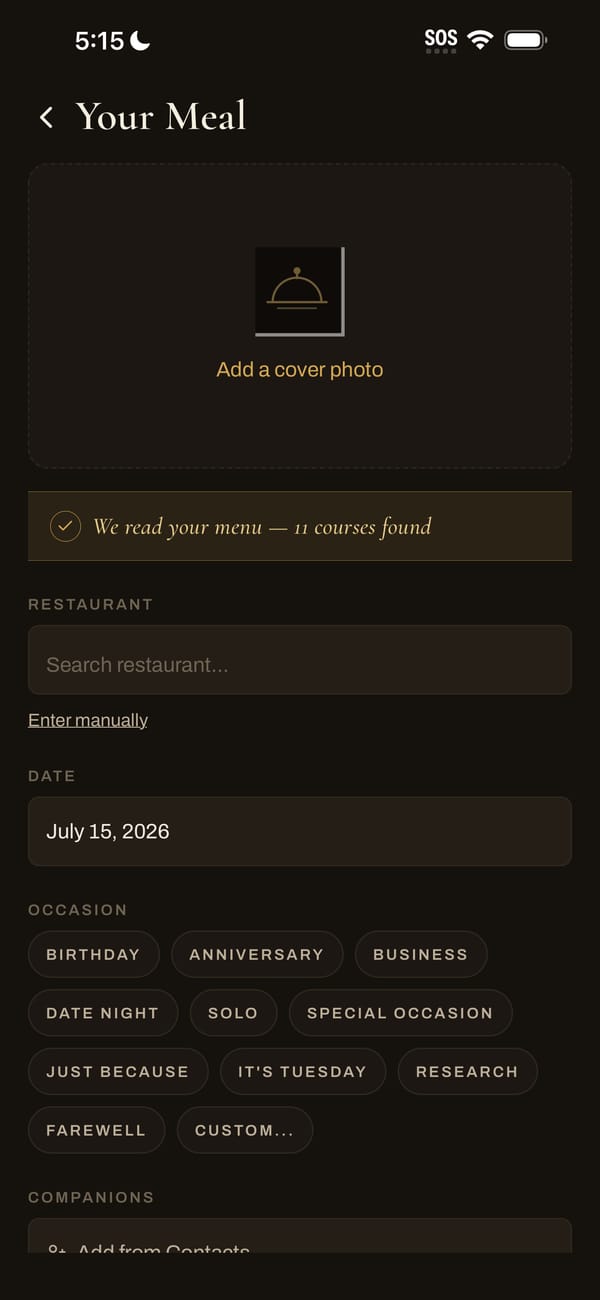
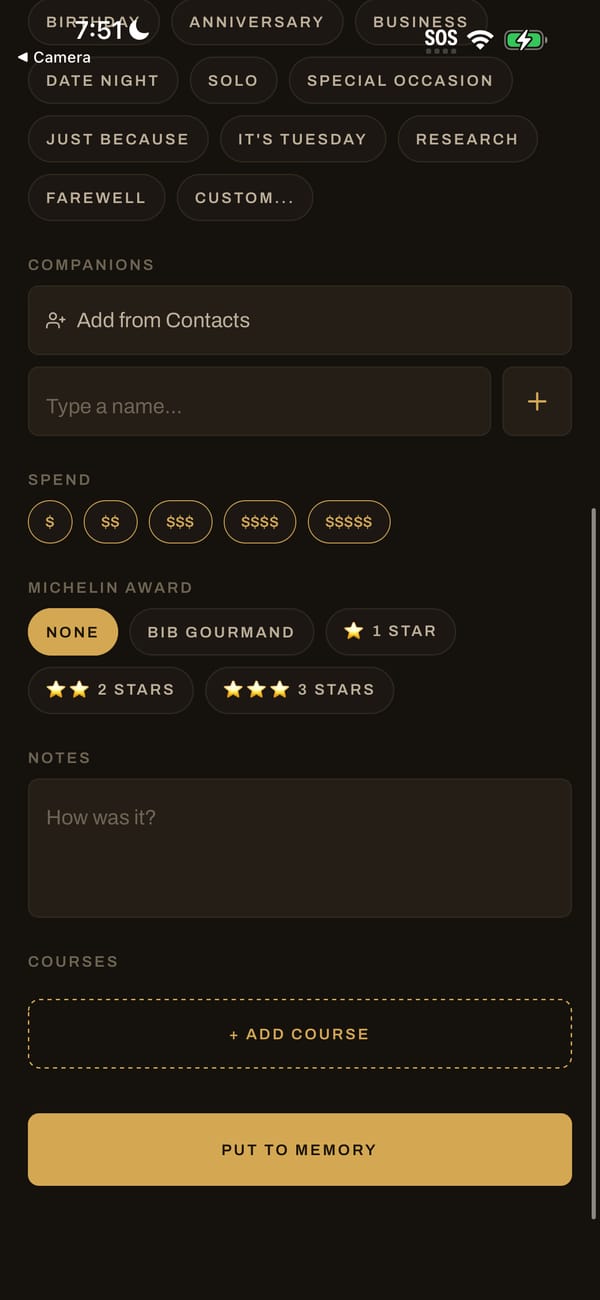
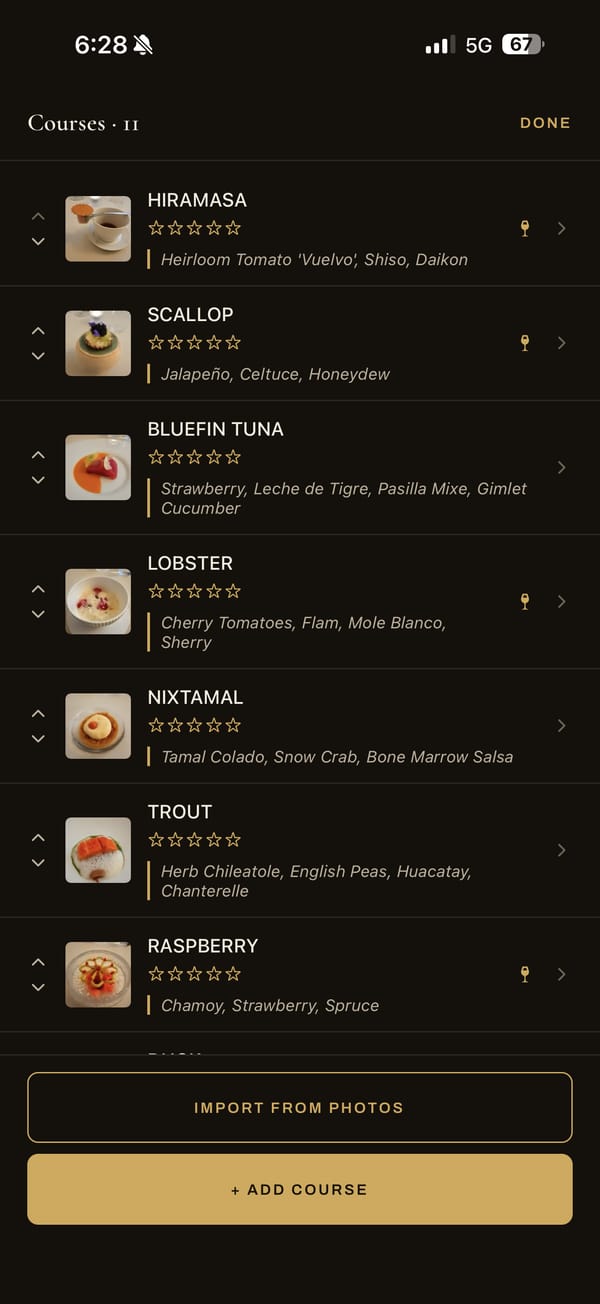
After saving, you're on the meal's page. Tap “Courses · 11” to open the course list.
Add a photo and rating
- Tap a course in the list.
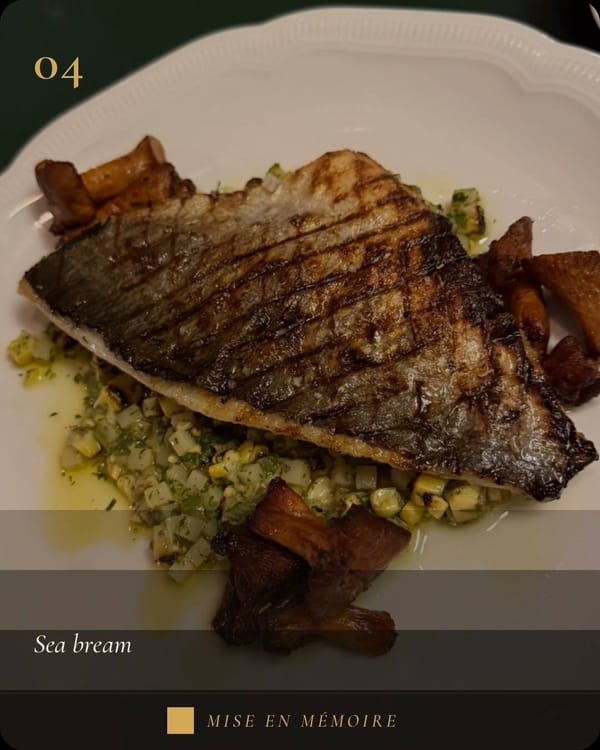
- Tap Tap to add a photo, take a photo or choose one, then crop.
- Tap 1 to 5 stars.
- Your favourite? Tap Crown this course to make it the best course of the meal.
- Tap Pick a tag for dish and ingredient tags (otoro, uni, hotate…). Pick several; tap again to remove.
- Save, and move on to the next course.
- The ↑ ↓ arrows reorder courses.
- A wine-glass icon means the course has a pairing.
- + Add Course adds a course.
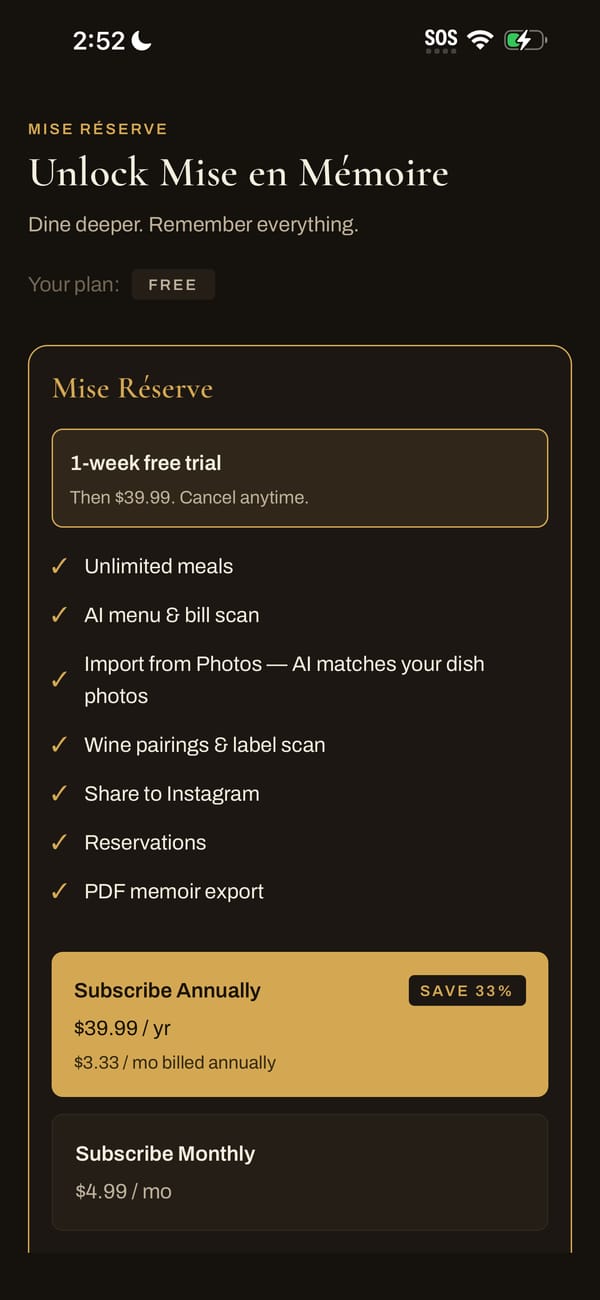
Import all your dish photos at onceRÉSERVE
In the course list, tap Import from Photos and select every dish photo from the evening (up to 20). Mise matches each photo to its course; tap a photo, then a course, to change a match, and save them all at once.
Backup: every photo you take in the app is also saved to your camera roll.